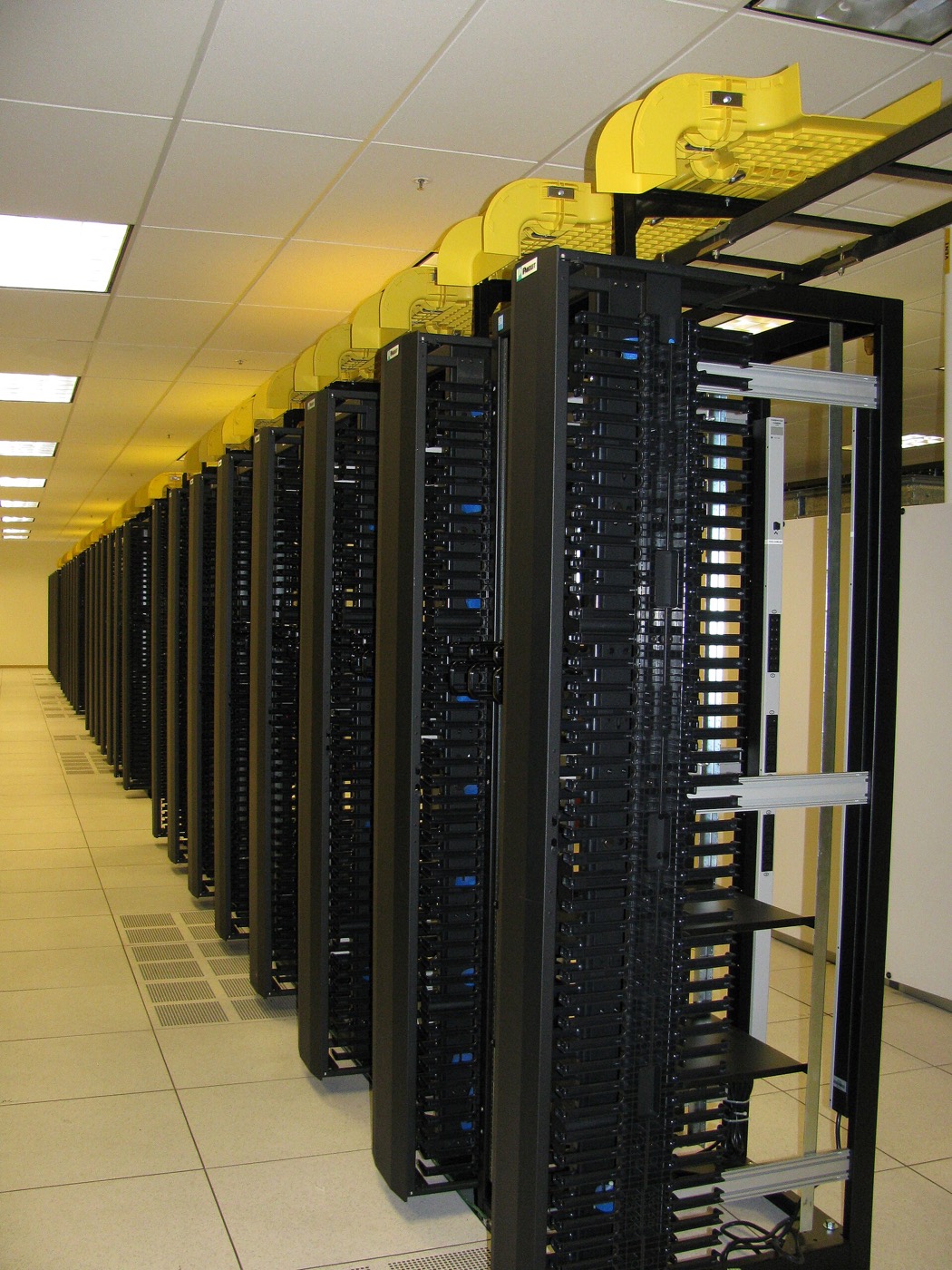
Every server, from your terminal
nd links to your Northdeck account and runs any server by its ID. Try it on the right: it's a demo account with two servers.
Demo account acme-studio. Type a command, or tap one on the left.
Try nd servers.
Set it up once
First, download nd from the client area.
Client area → Settings → Command linend for macOS, Linux and WindowsA single file. Put it anywhere on your PATH.
Then link it to your account.
$ nd loginok Linked to account acme-studio · 2 servers
Now every server you own is one command away.
$ nd serversID NAME PLAN REGION STATUS nd-4821 web-01 VDS-4 fra running nd-4822 db-01 ND-R16 lhr running
Commands
Every command that acts on a server takes its ID. IDs never change, even when you rename a server.
| Command | What it does |
|---|---|
nd login | Links nd to your Northdeck account. You only do this once per computer. |
nd servers | Lists every server on the account with its ID, name, plan, location and state. |
nd status <id> | Shows one server: state, uptime, CPU, memory and disk. |
nd start <id> | Powers a stopped server on. |
nd stop <id> | Shuts a server down cleanly. You keep paying for it, and its data stays. |
nd restart <id> | Stops and starts a server, and tells you how long it took. |
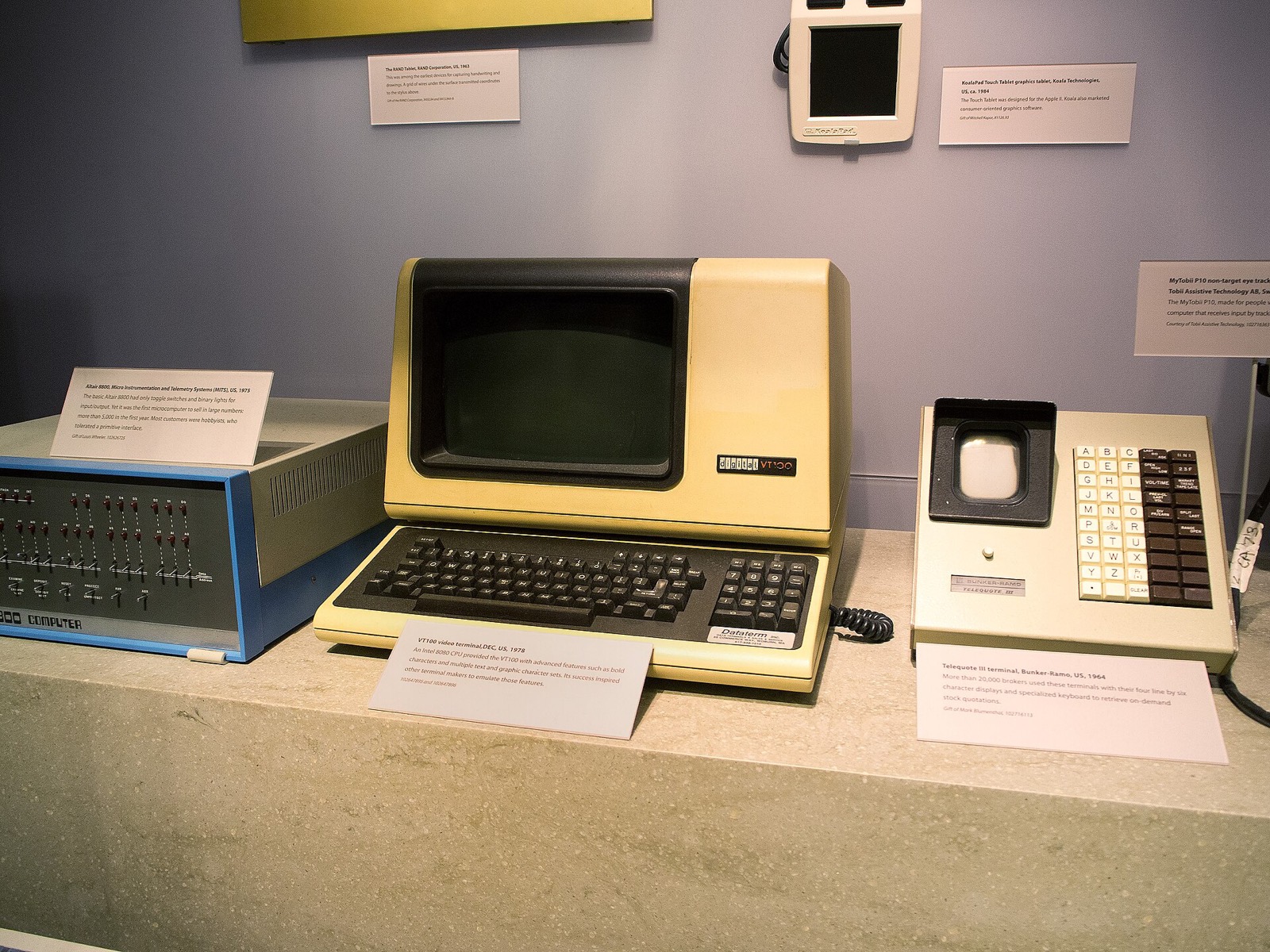
Older than it looks
A DEC VT100 from 1978, at the Computer History Museum. The commands are new; typing one and getting an answer back is not.
IDs, not guesses
Names change and two servers can share one. An ID like nd-4821 belongs to exactly one server for its whole life, so a script that restarts nd-4821 at three in the morning restarts the right machine.
$ nd status nd-4821
web-01  nd-4821 · VDS-4 · fra
state     running
uptime    41d 6h
cpu       54%  of 4 dedicated threads
memory    5.1 / 8 GB
disk      61 / 160 GB
Deploy a server, then run it from here with nothing but its ID.